Brought to your door.
Enter your address at checkout. Any delivery fee is shown before you place the order.

Browse the menu, choose pickup or delivery, and follow your order from the kitchen to your hands.
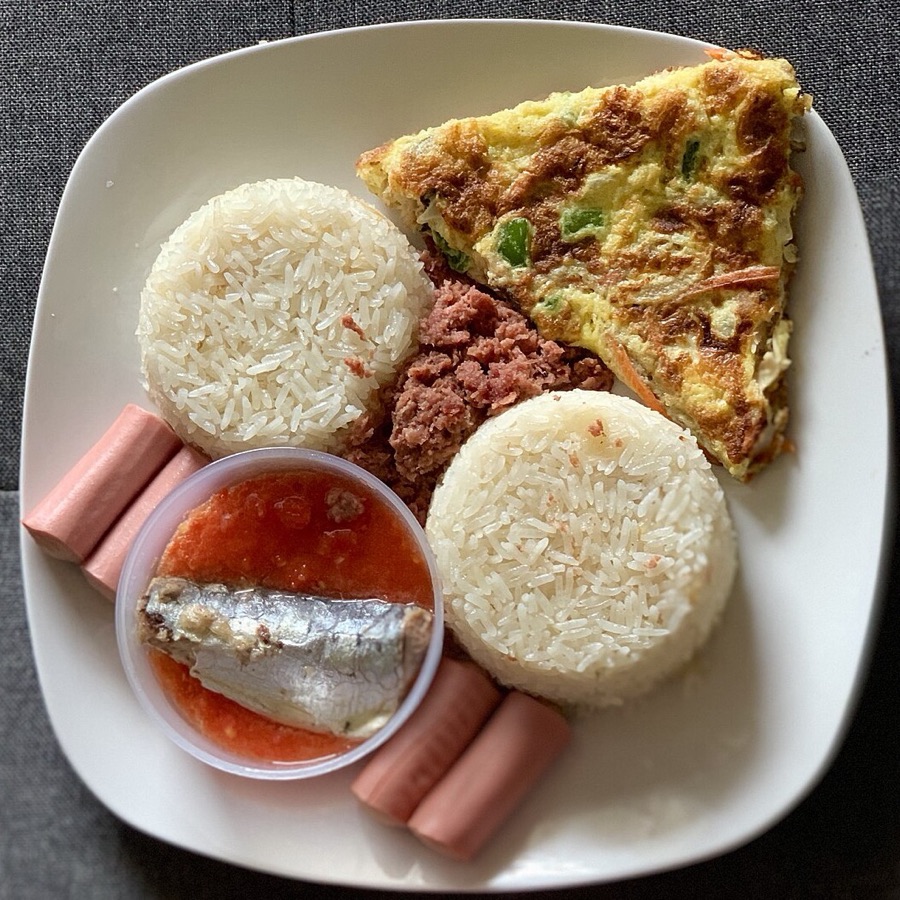
Ghanaian oil rice.
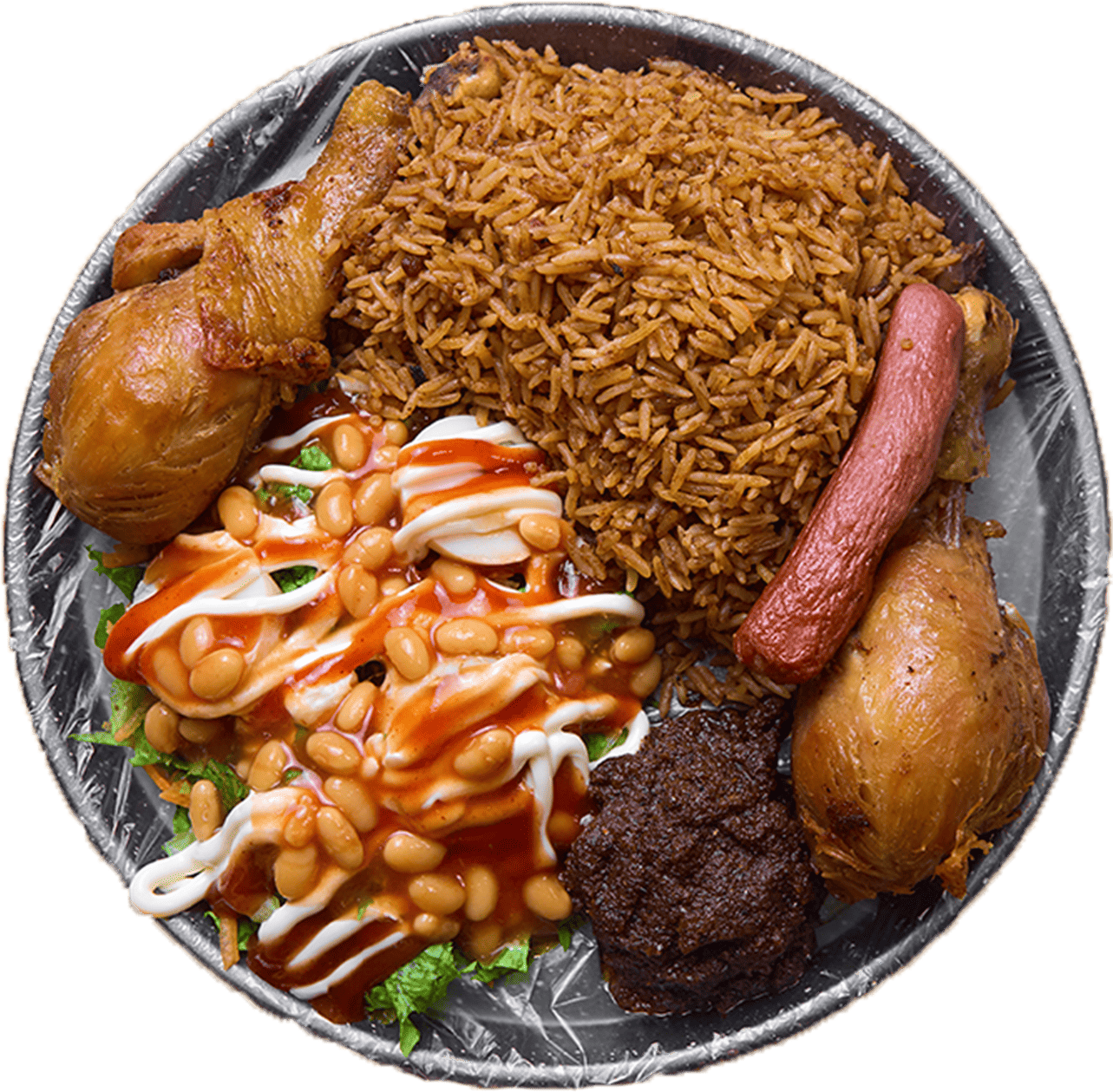
Jollof rice served with chicken.
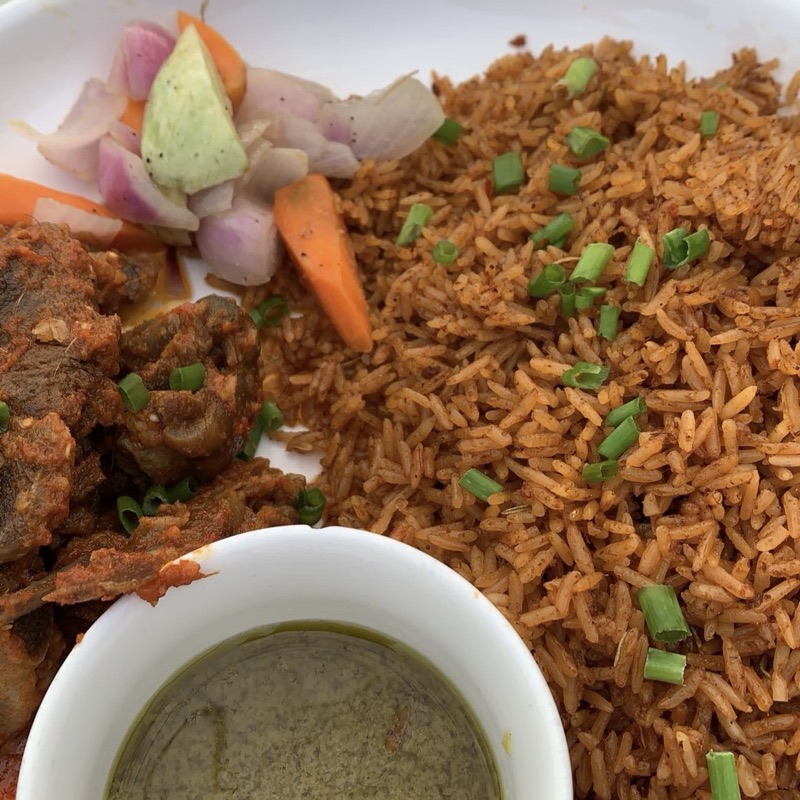
Jollof rice with goat meat.
Allow location access to find the nearest branch, or pick one yourself.
See what that branch has today, with photos, prices and availability.
Decide how you want it and check the full total before you pay.
Watch the status change as your order is accepted, prepared and ready.
Enter your address at checkout. Any delivery fee is shown before you place the order.
Choose pickup, confirm the branch, and head over when the app says your order is ready.
Free on iPhone and Android. Need help with an order? Open Support in the app.